Remote Terminal Access
Overview
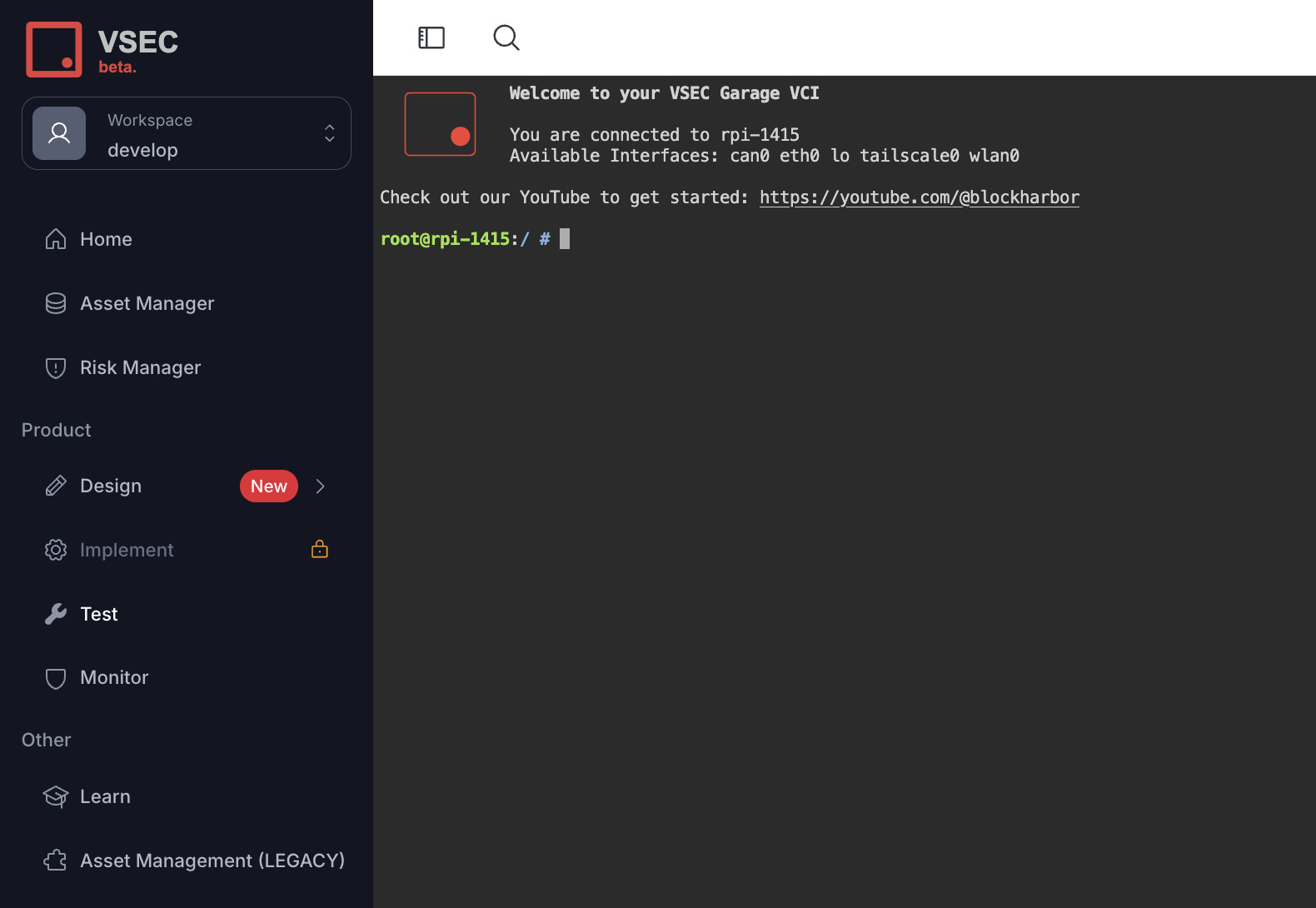
VSEC Test provides a shell through Remote Terminal Access to control any connected bench. The Terminal can also be used to configure a newly connected interface, install a custom tool, or even run any custom automation remotely via Breakwater CLI.
Guide
- Sign-in to vsec.blockharbor.io
- Navigate to Test on the sidebar menu to enter the VSEC Test application and then select the Benches submenu.
- Click the Terminal icon () next to the designated Bench to remotely access the terminal. You can also open the Bench and click its
Terminalbutton. Both are disabled while the Bench is offline or when your role does not allow you to update Benches.
Note: A new window will open with direct access to the Benches terminal.
ALERT: When accessing the terminal the user is logged in as root.
Last updated on