Remote Terminal Access
Overview
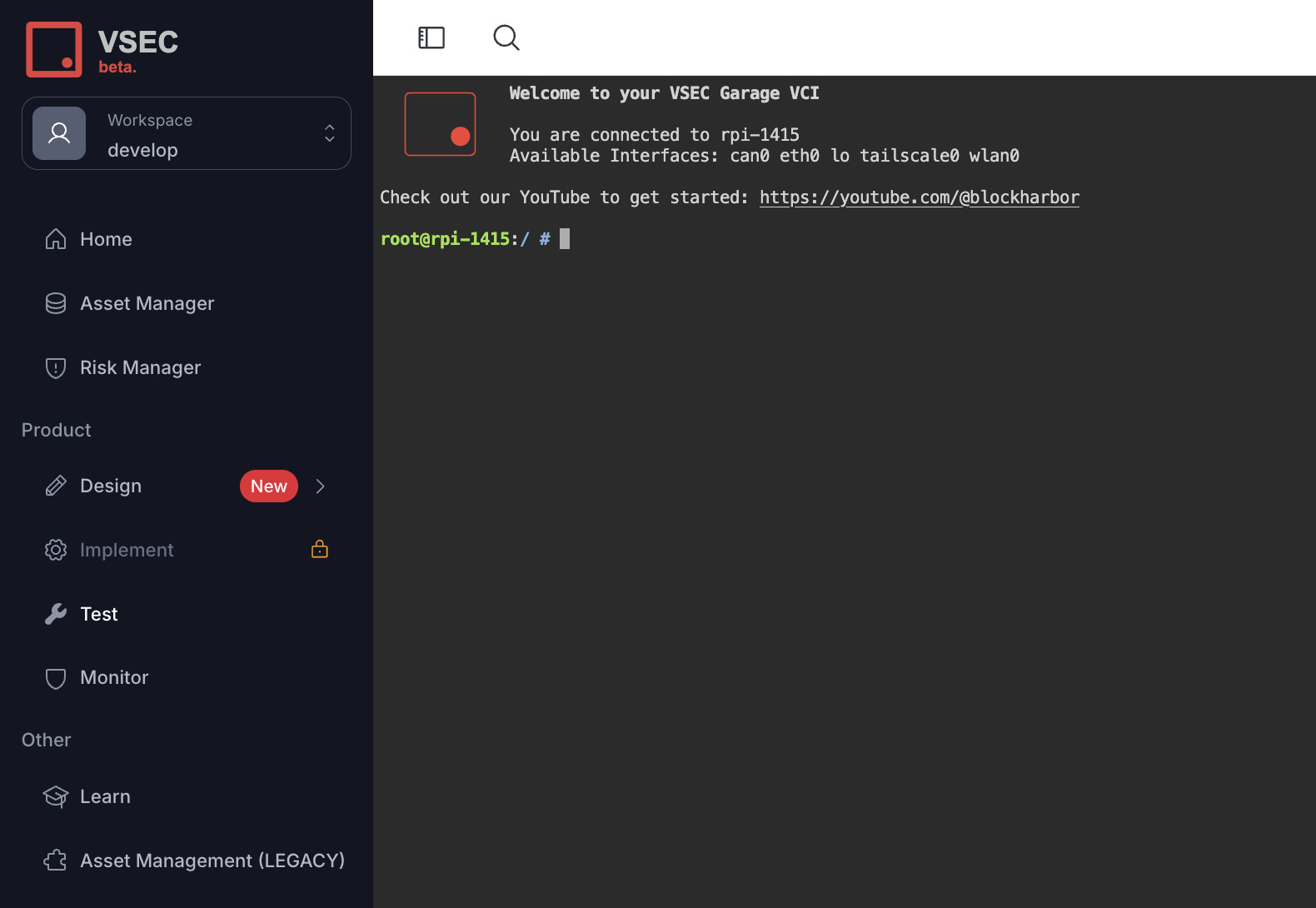
VSEC Test provides a shell through Remote Terminal Access to control any connected bench. The Terminal can also be used to configure a newly connected interface, install a custom tool, or even run any custom automation remotely via Breakwater CLI.
Guide
- Sign-in to vsec.blockharbor.io
- Navigate to Test on the sidebar menu to enter the VSEC Test application.
- Under Benches click the Terminal icon () next to designated Bench to remotely access the terminal.
Note: A new window will open with direct access to the Benches terminal.
ALERT: When accessing the terminal the user is logged in as root.
Last updated on