Remote File Explorer
Overview
The File Explorer is a feature of VSEC Test enabling you to view or download files from a Bench via the web application. The File Explorer provides multiple views (Grid and List) to assist with quickly navigating the Bench.
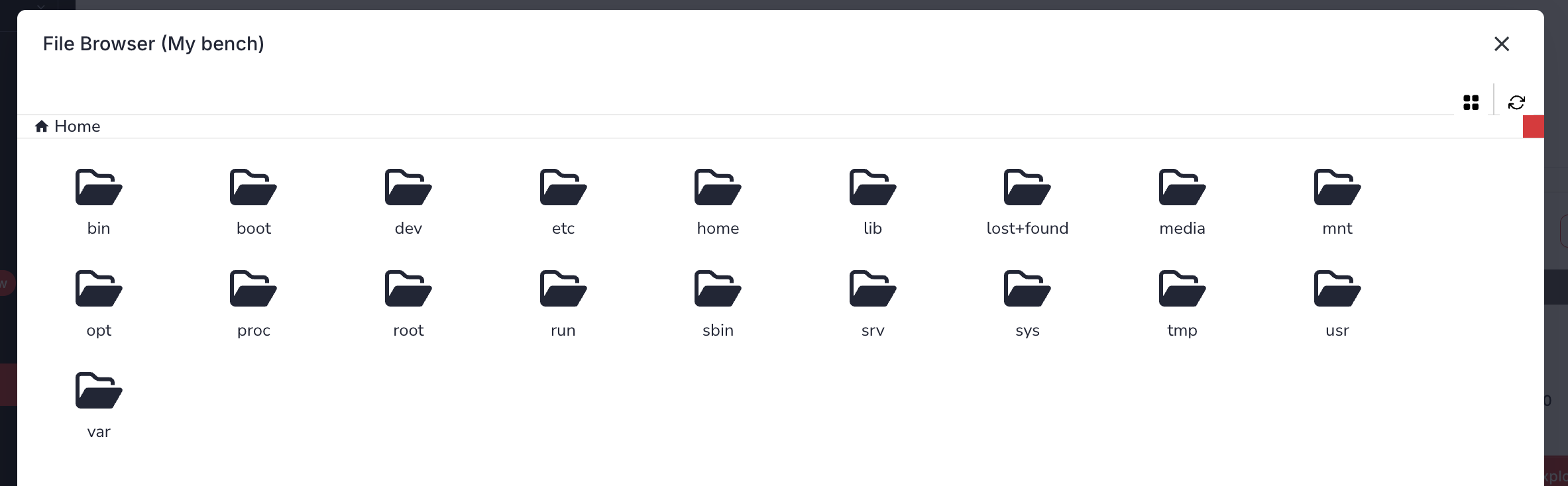
Guide
- Sign-in to vsec.blockharbor.io
- Navigate to Test on the sidebar menu to enter the VSEC Test application.
- Select the desired Bench by clicking the expand arrow ().
- Click the
File Explorerbutton to open the File Explorer.
Note: To download a file, select the file and a click the (
Download) button to begin.
Last updated on