File Explorer
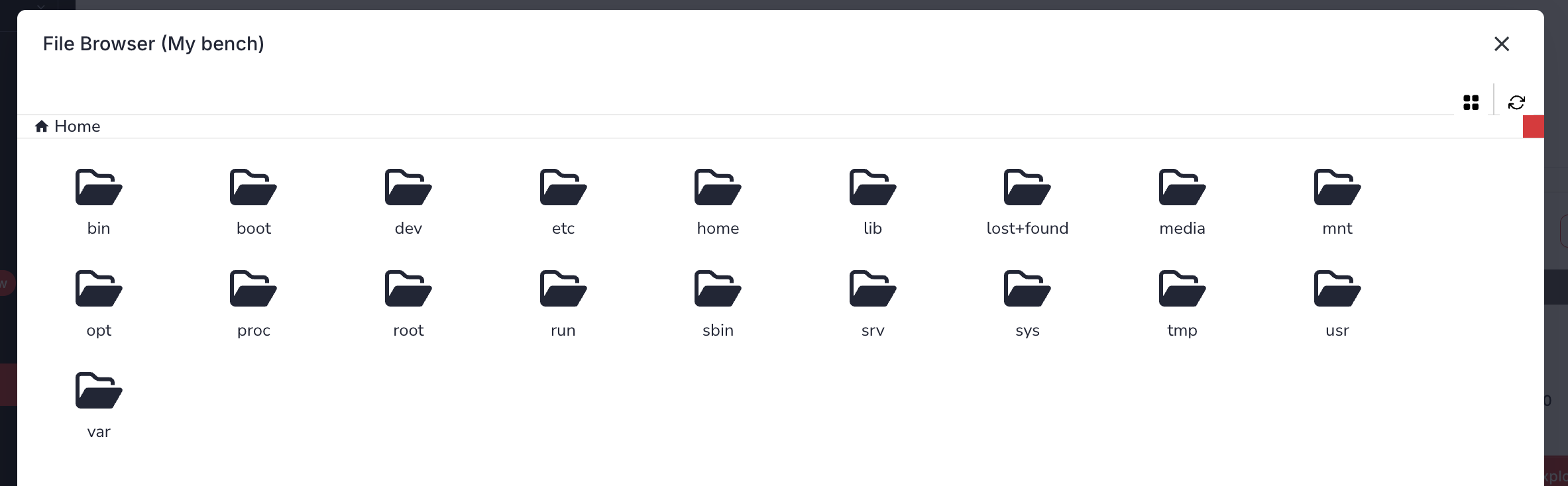
The File Explorer is a feature of VSEC Test enabling you to view or download files from a bench via the website. To access the File Explorer, expand a bench row and select the File Explorer button on the right side.
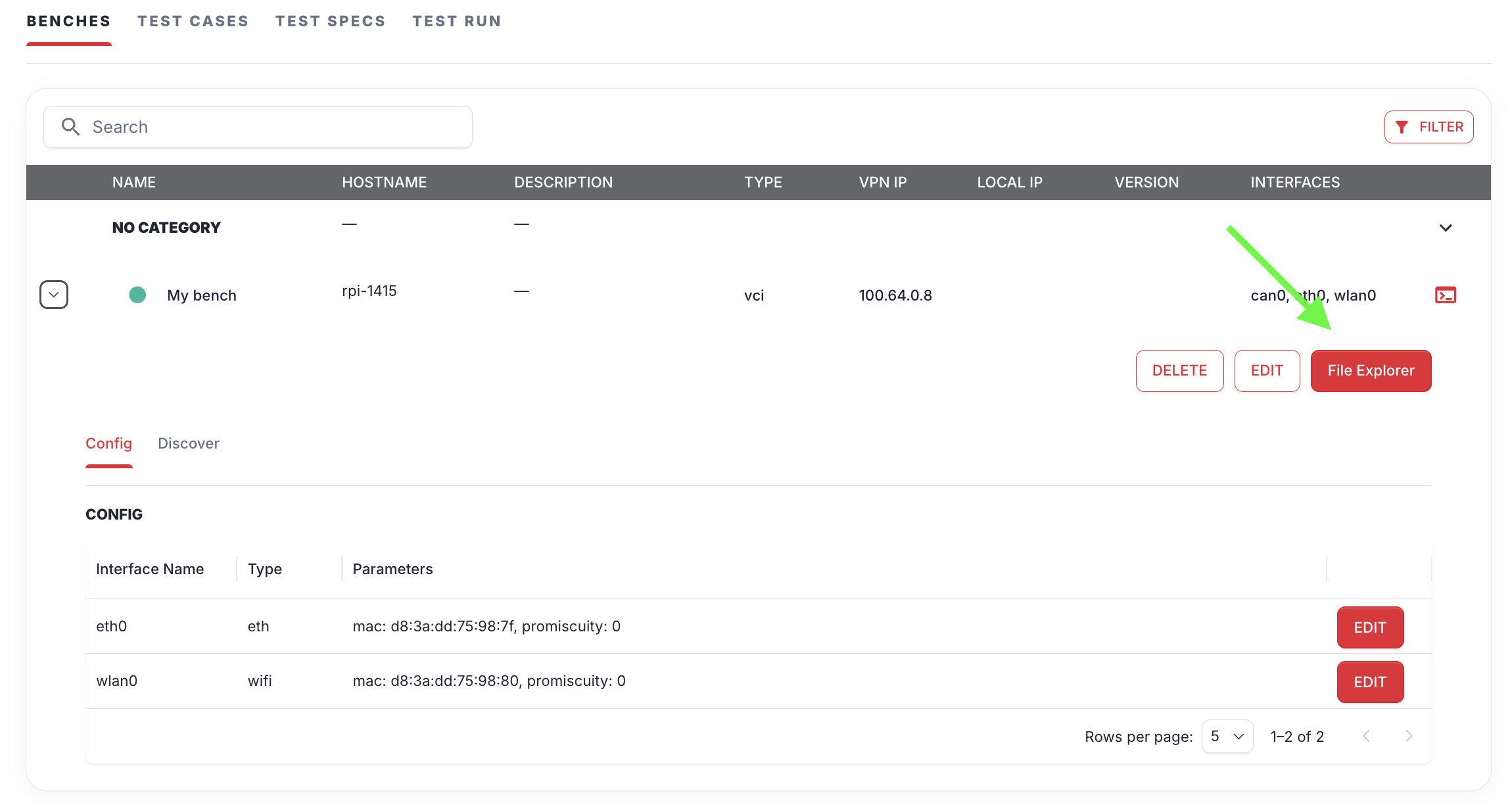
Clicking the File Explorer button will display the contents of the Bench’s file system allowing you to navigate the folders and download any file by right clicking the file and selecting “download”.