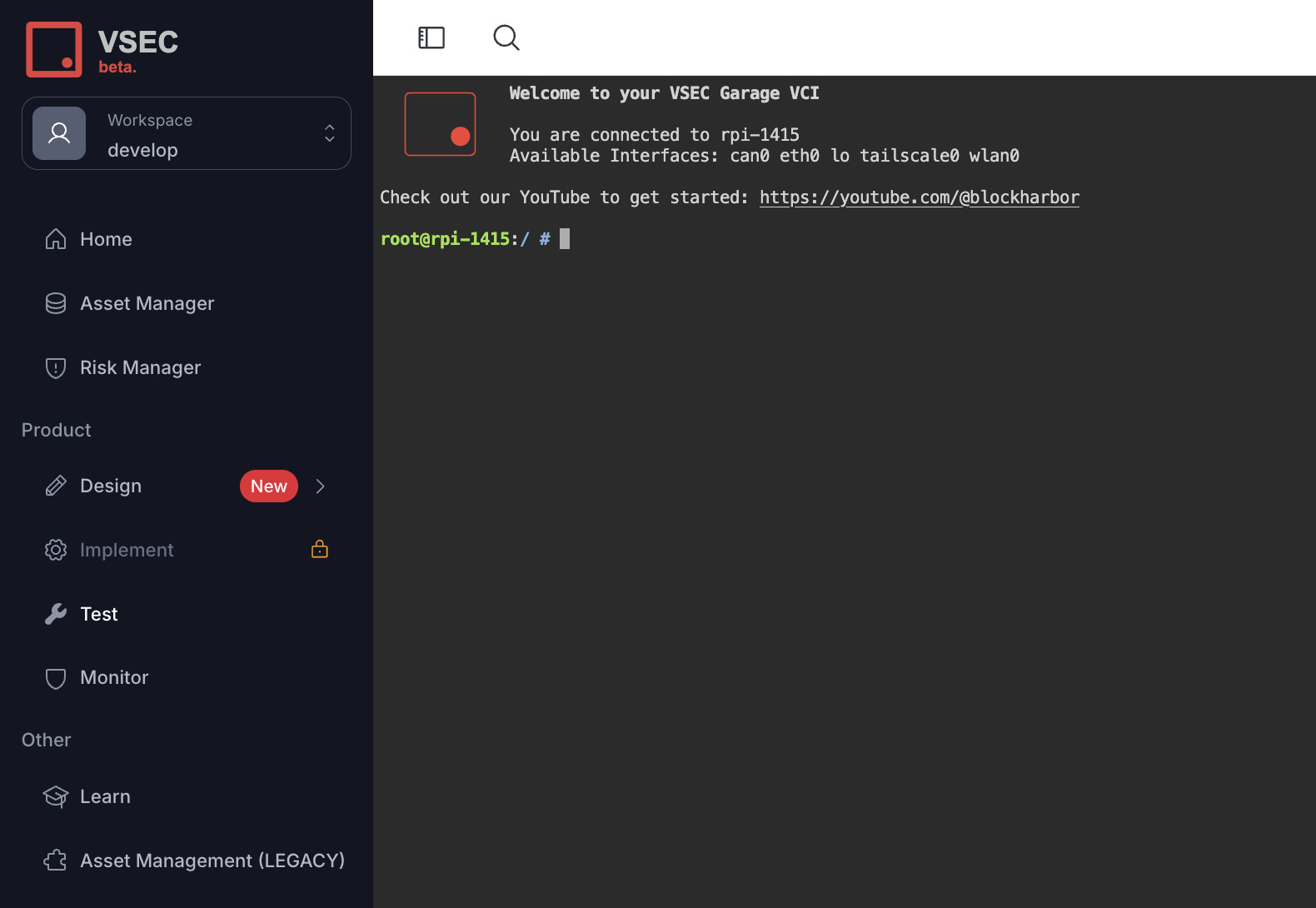
Terminal
The Terminal allows access via VSEC to a shell on any connected bench. The Terminal is a very powerful tool enabling remote access and control of a bench. The Terminal can also be used to configure a newly connected interface, install a custom tool, or even run any custom automation remotely.
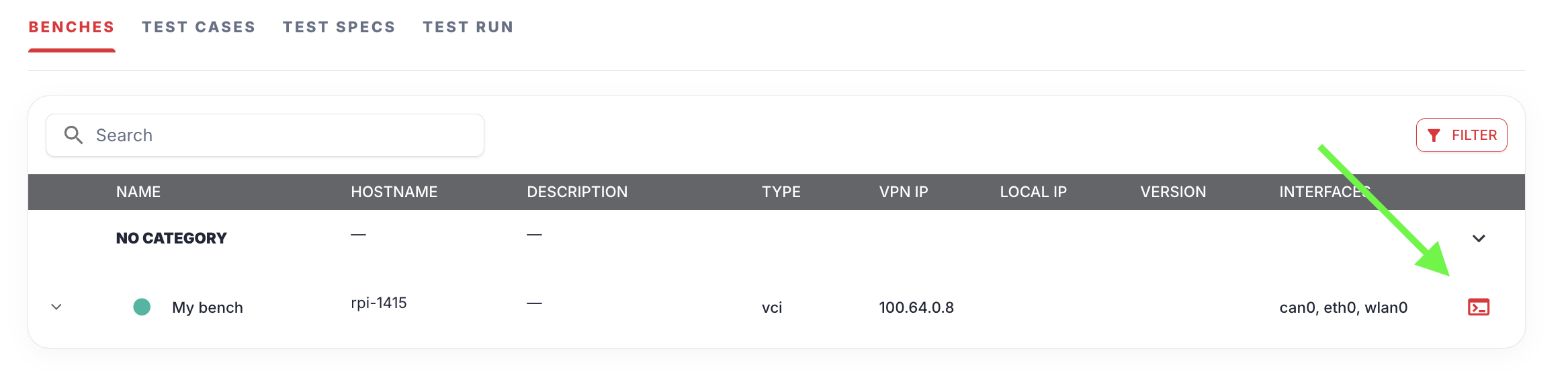
To access a bench’s Terminal, click the Terminal icon on the right side of a bench row:
When clicked, a new tab will open presenting you with a terminal on the bench in your browser: