VSEC Admin Center
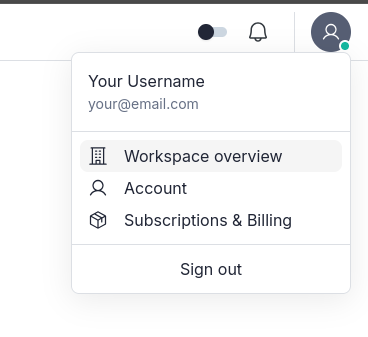
Your workspaces, subscription, and account settings are all managed from the VSEC Admin Center, a dedicated management panel separate from the main VSEC engineering platform. After sign-in, click your profile icon in the top-right corner and choose Workspace overview, Account or, on hosted subscriptions, Billing & Subscription to open the matching Admin Center page.
The VSEC Admin Center sidebar has three groups. Personal holds your own account, which applies across all workspaces. Workspaces lists the workspaces you belong to and your billing. Workspace settings apply to the currently active workspace; use the workspace switcher in the sidebar to change which workspace they reflect. On the free Starter workspace, Workspace settings are limited: pages that need a paid plan, such as Members and Roles & Permissions, are not shown. Roles & Permissions, Integrations and Intelligence are shown only to workspace admins.